


Mobile-first. End-to-end encrypted. Open source.
A better remote interface for Claude Code and Codex. Self-hosted, no cloud accounts. Supervise your agents from your phone while they run on your dev machines.
Features
- Interop — View and resume sessions started in CLI, VS Code, or other tools. No new database — piggybacks on CLI persistence
- File uploads — Share screenshots, photos, PDFs, and code files directly from your phone's camera roll
- Push notifications — Get alerted when approval is needed, respond from your lock screen
- E2E encrypted remote access — Connect from anywhere via our free relay. We can't see your data (SRP-6a + TweetNaCl)
- Fork/clone conversations — Branch from any message point to explore alternatives
- Tiered inbox — Needs Attention → Active → Recent → Unread. Stop cycling through terminal tabs
- Global activity stream — See what all your agents are doing across sessions
- Server-owned processes — Client disconnects don't interrupt work
- Voice input — Talk to your agents via browser speech API
- Fast on mobile — Syntax highlighting and markdown rendering happen server-side
No database, no cloud, no accounts. 100% open source (MIT).
Supported Providers
| Provider | Diffs | Approvals | Streaming | Notes |
|---|---|---|---|---|
| Claude Code | Full | Yes | Yes | Primary provider, full feature support |
| Codex | Full | Yes | Yes | Full support including diffs and approvals |
Screenshots
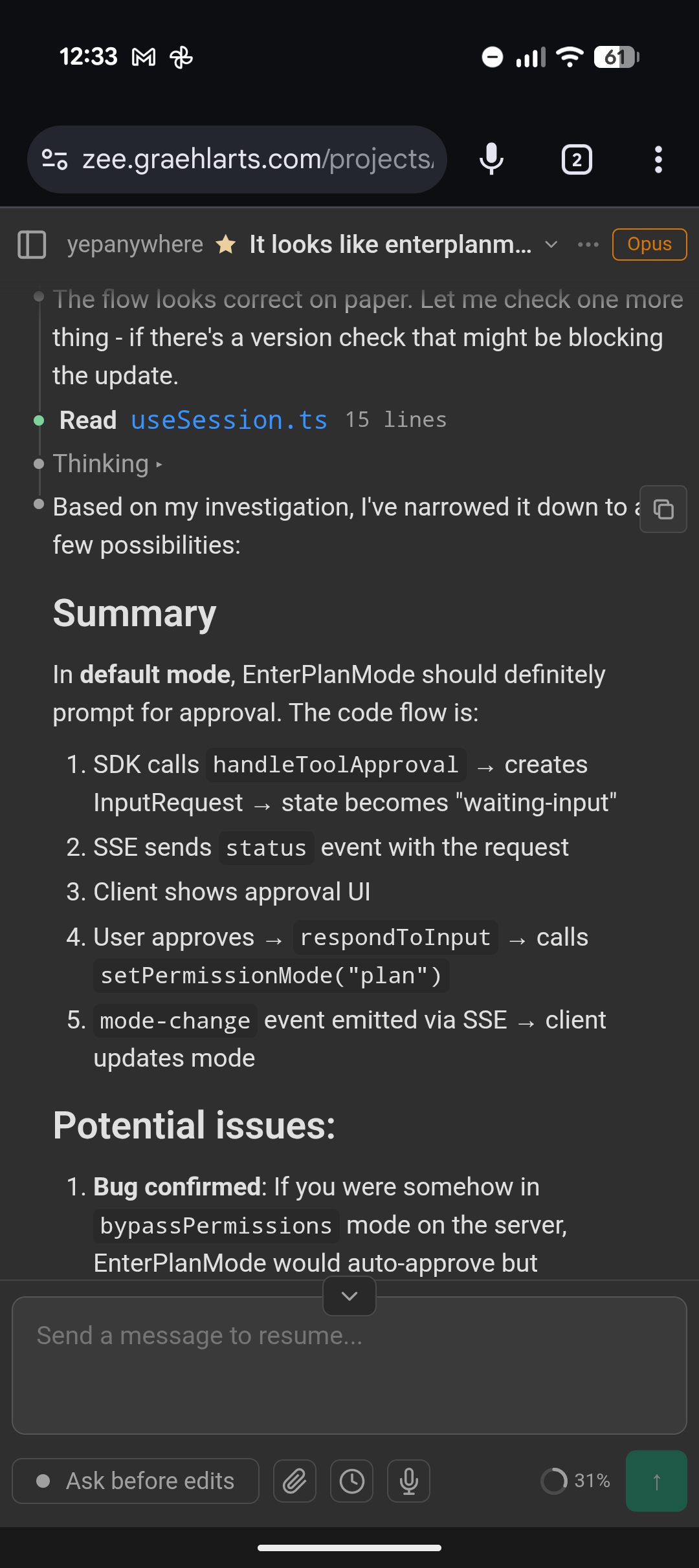
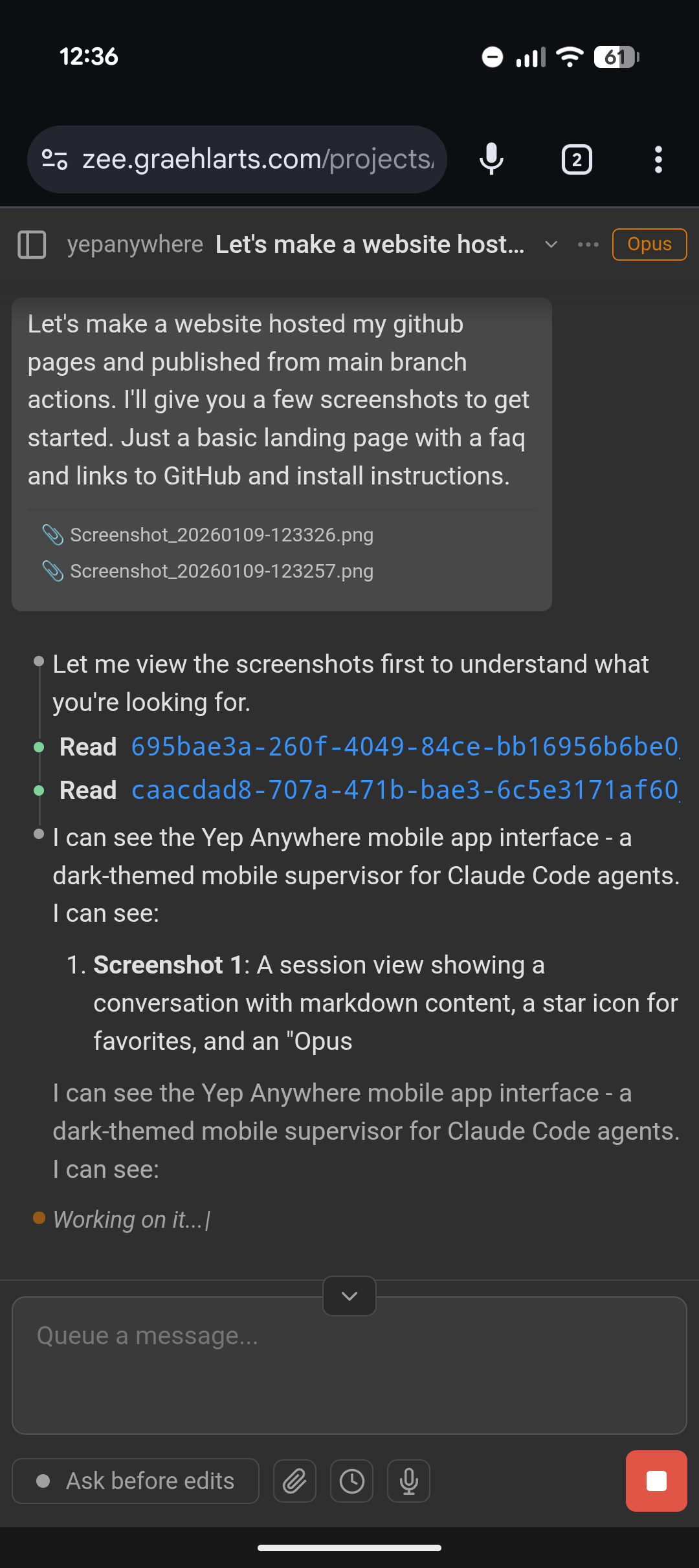
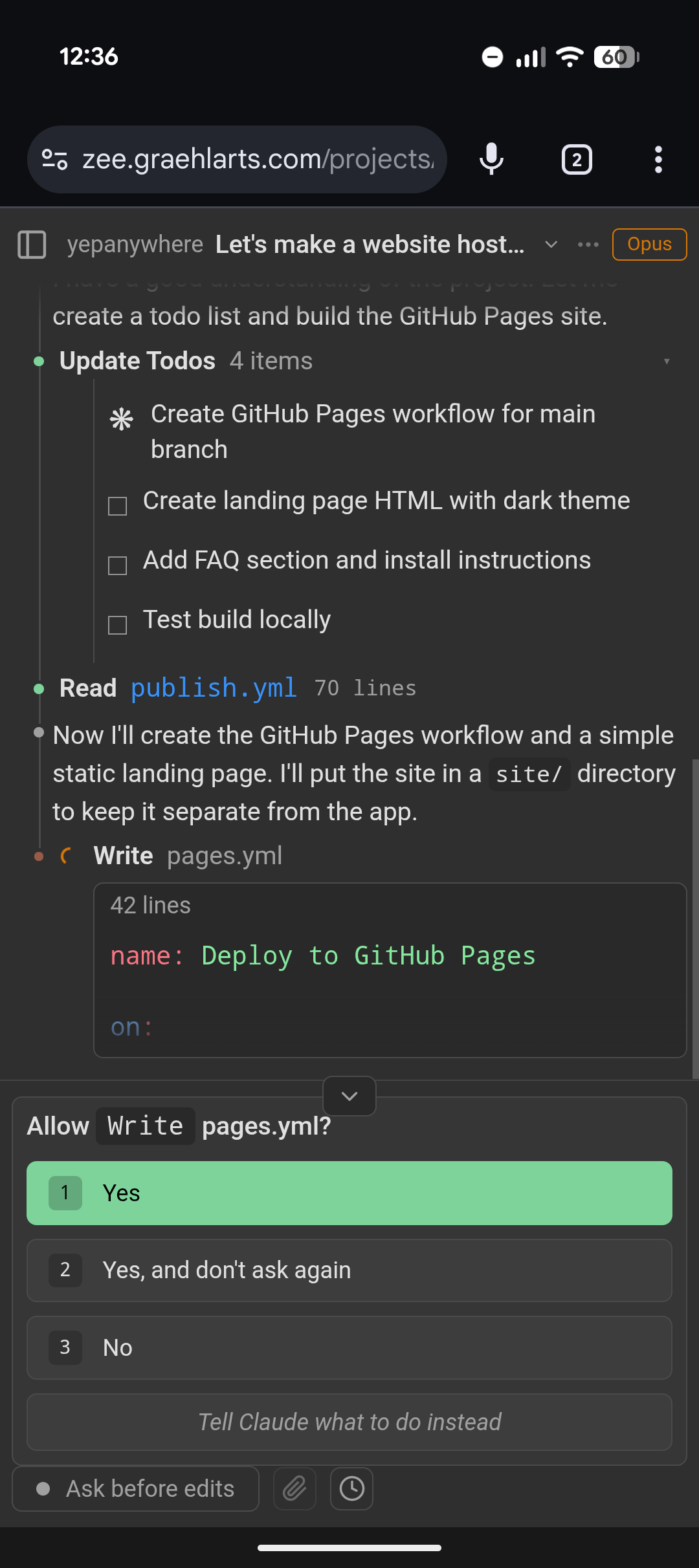
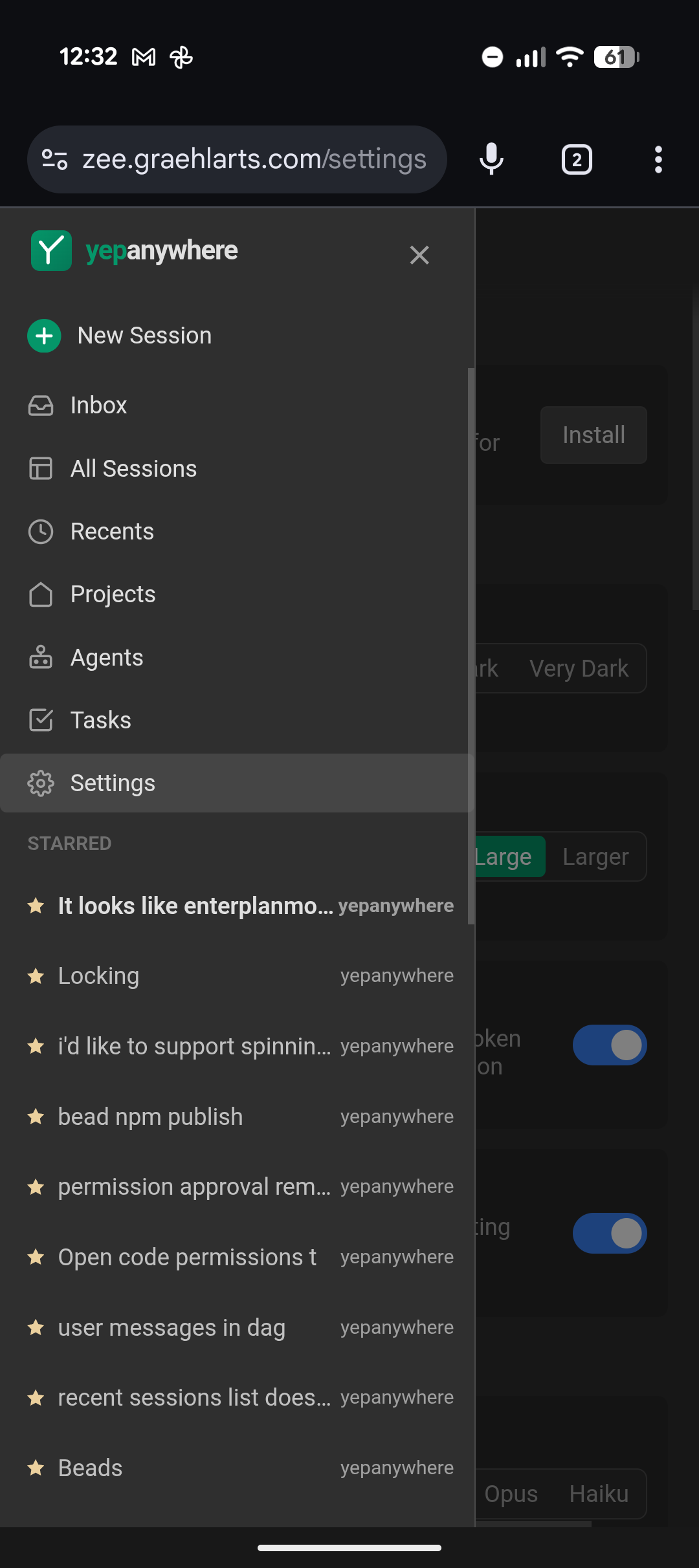
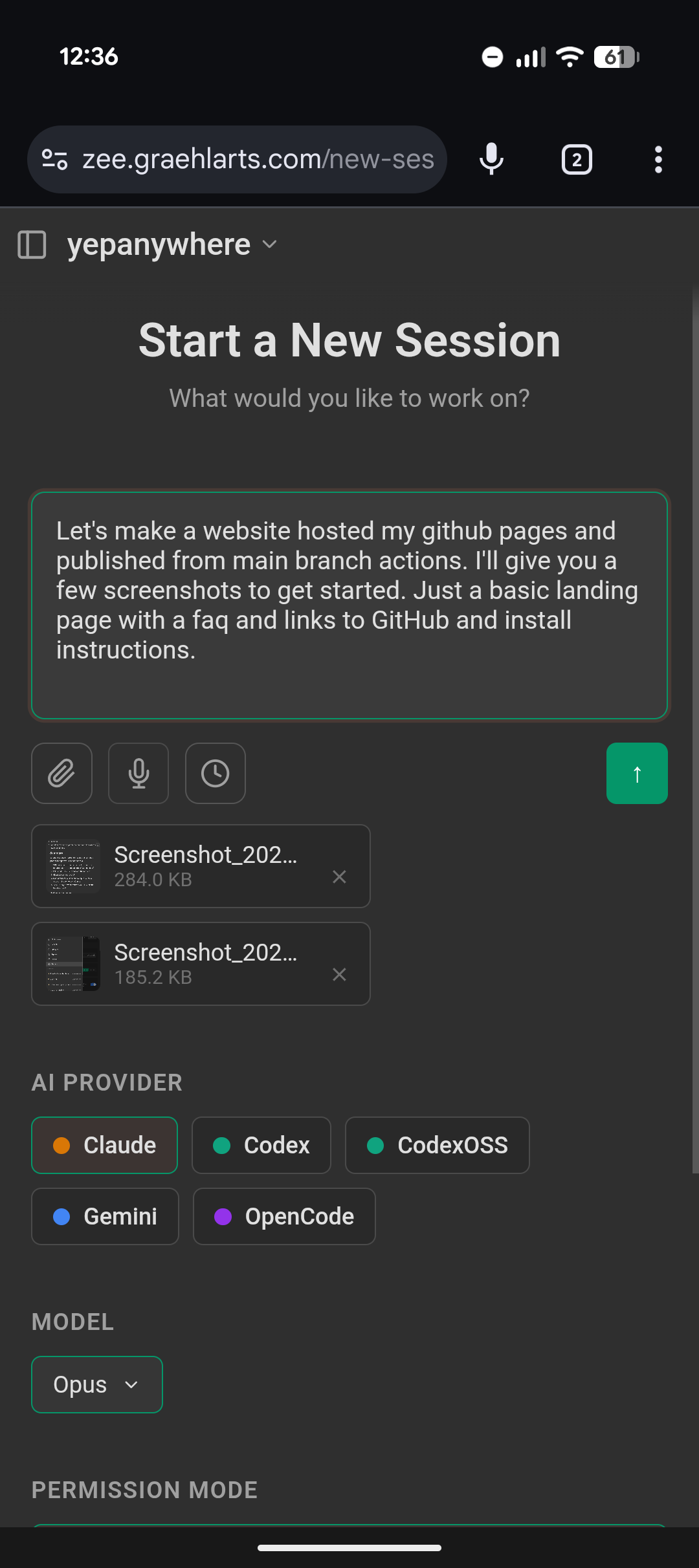
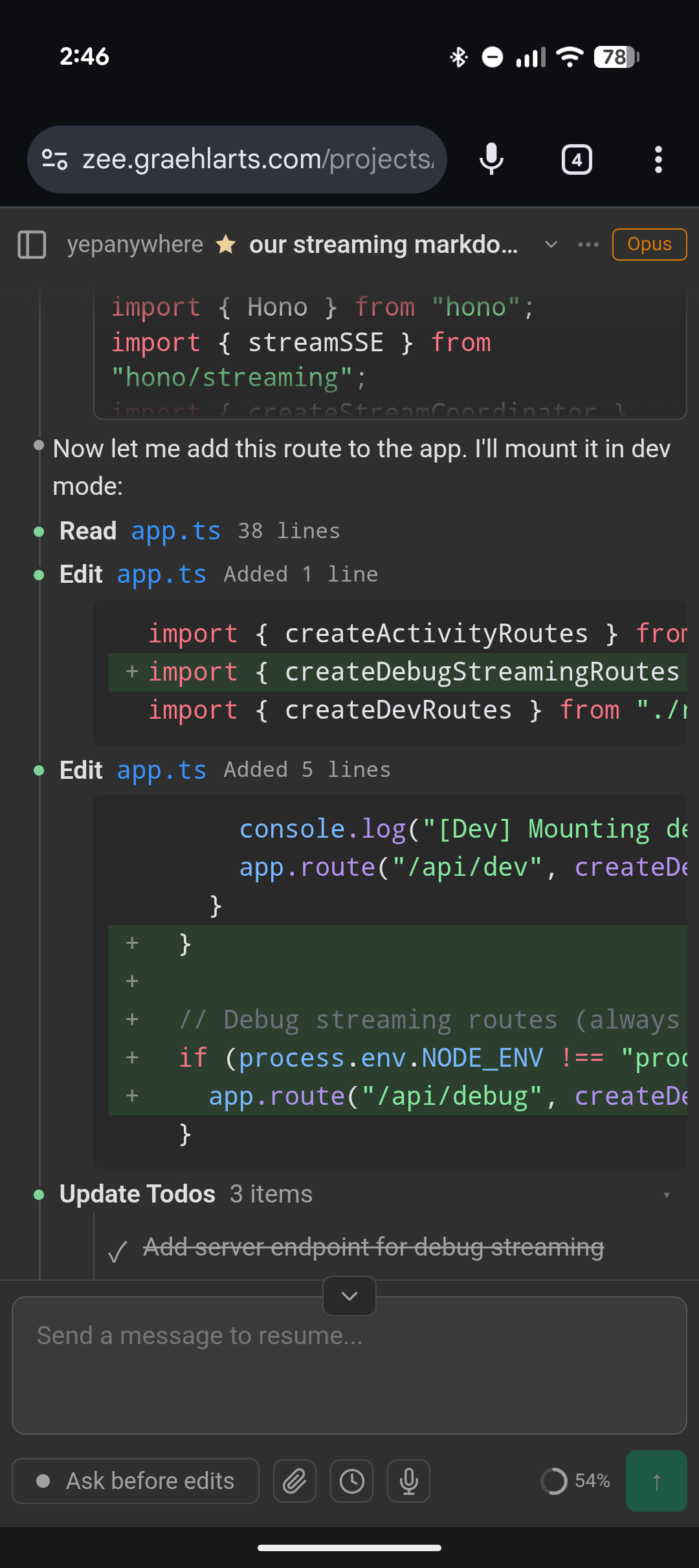
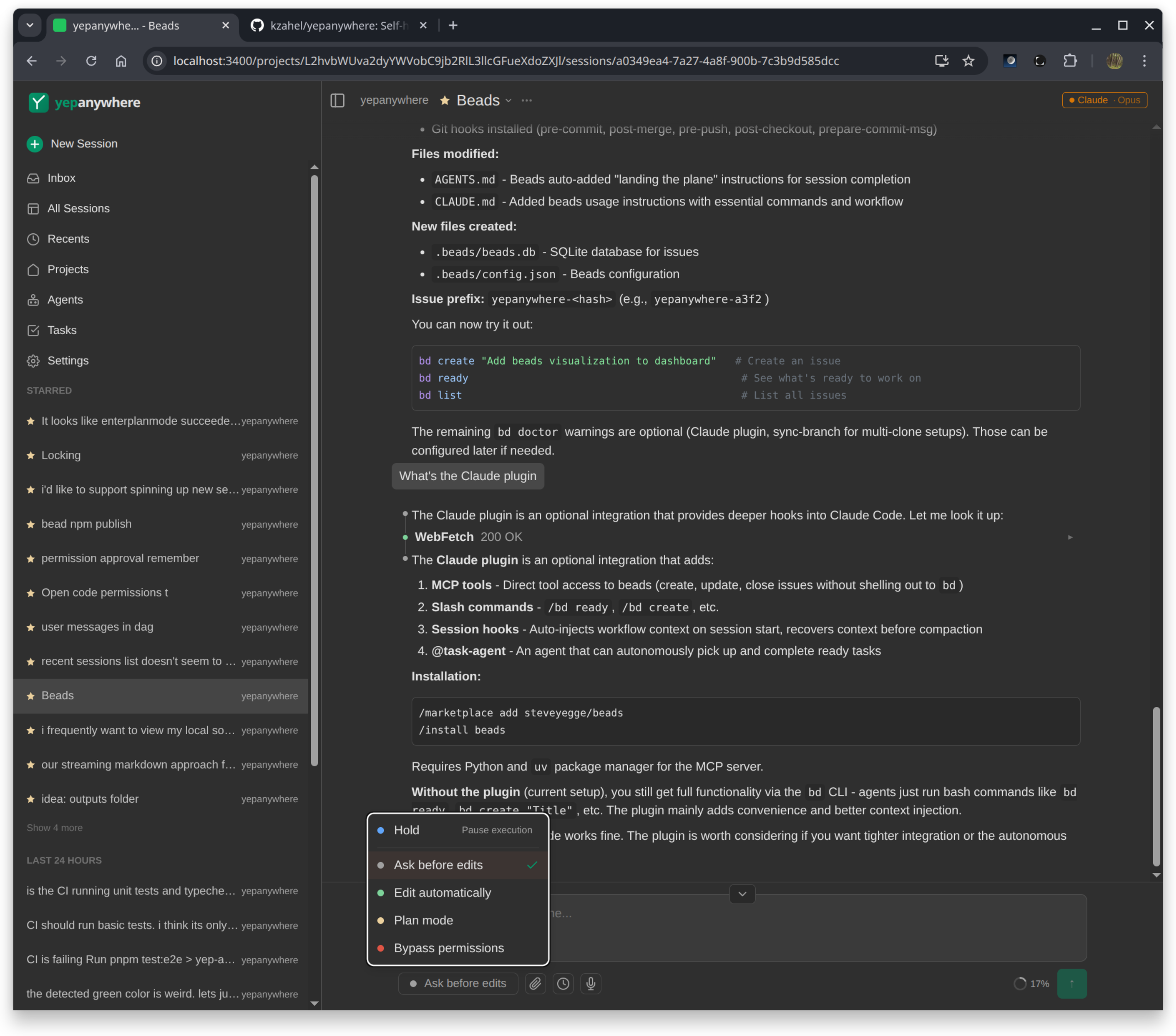
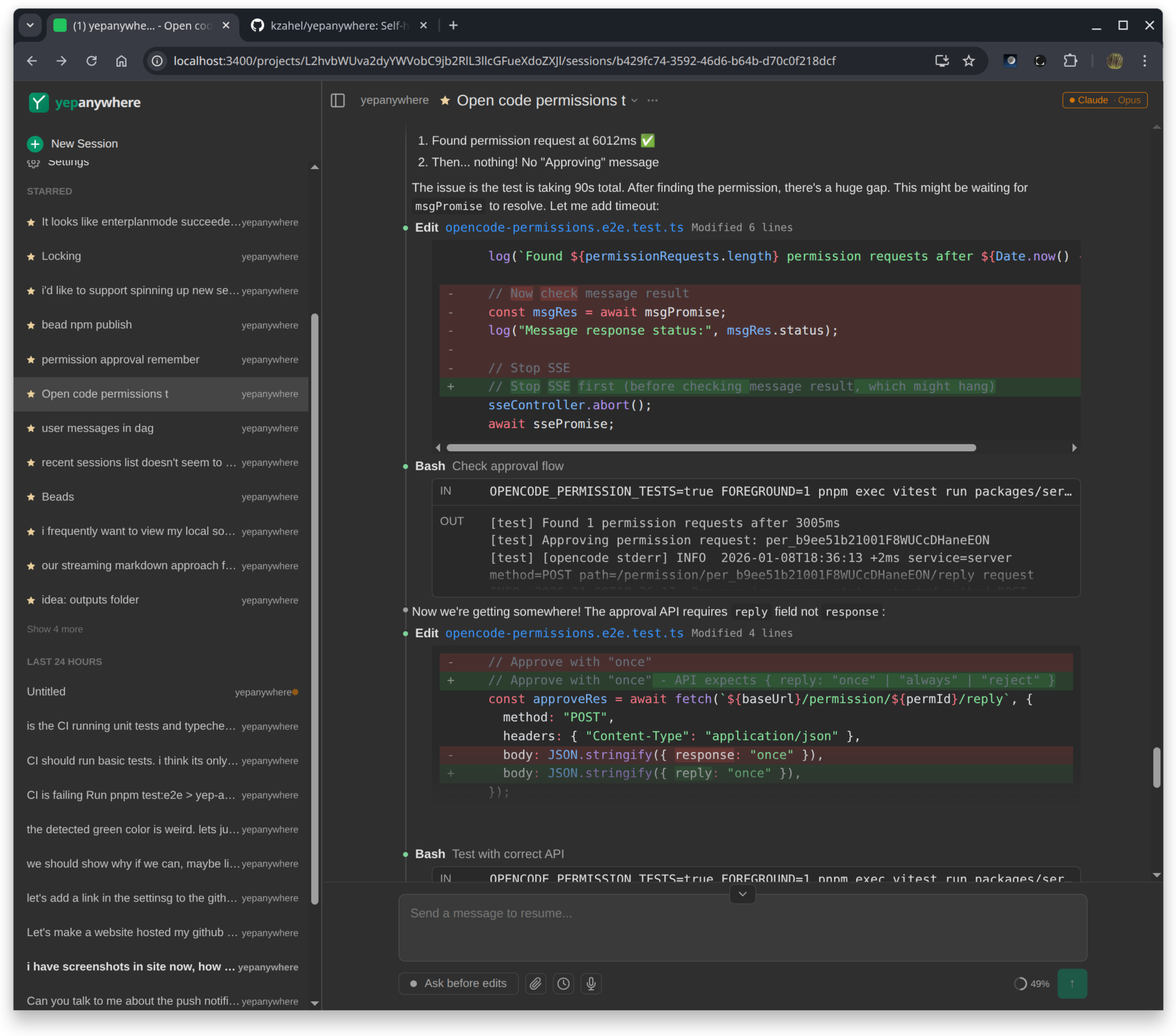
Works great on desktop too!
Getting Started
If you can install Claude Code or Codex, you can install this. Minimal dependencies.
npm i -g yepanywhere
yepanywhere
Or, from source:
git clone https://github.com/kzahel/yepanywhere.git
cd yepanywhere
pnpm install
pnpm build
pnpm start
Open http://localhost:3400 in your browser. The app auto-detects installed CLI agents.
Remote Access
Easiest: Use our free public relay — configure it in Settings, or via CLI for headless setups:
yepanywhere --setup-remote-access --username myserver --password "secretpass123"
Then connect from anywhere at yepanywhere.com/remote.
All traffic is end-to-end encrypted and we can't see your data. No accounts required.
Self-hosted: Prefer to run your own infrastructure? Use Tailscale, Caddy, or any reverse proxy with SSL termination. See the remote access docs for details.
Why not just use the terminal?
You can use the terminal on your phone — but monospace text is painful on a small screen, there's no file upload, no push notifications, and no way to see all your sessions at once. This gives you a proper UI while keeping everything self-hosted and running your code locally.
Comparison to Other Tools
There are a lot of projects in this space. We track them all: docs/competitive/all-projects.md
Development
See DEVELOPMENT.md for build instructions, configuration options, and more.
TOS Compliance
Yep Anywhere uses the official @anthropic-ai/claude-agent-sdk published by Anthropic. We don't handle authentication, spoof headers, or manipulate OAuth tokens. You authenticate via your own Claude CLI — we're just a remote interface to your sessions.
Read more: How we use the SDK | Feb 2026 auth clarification
Star History
License
MIT


